
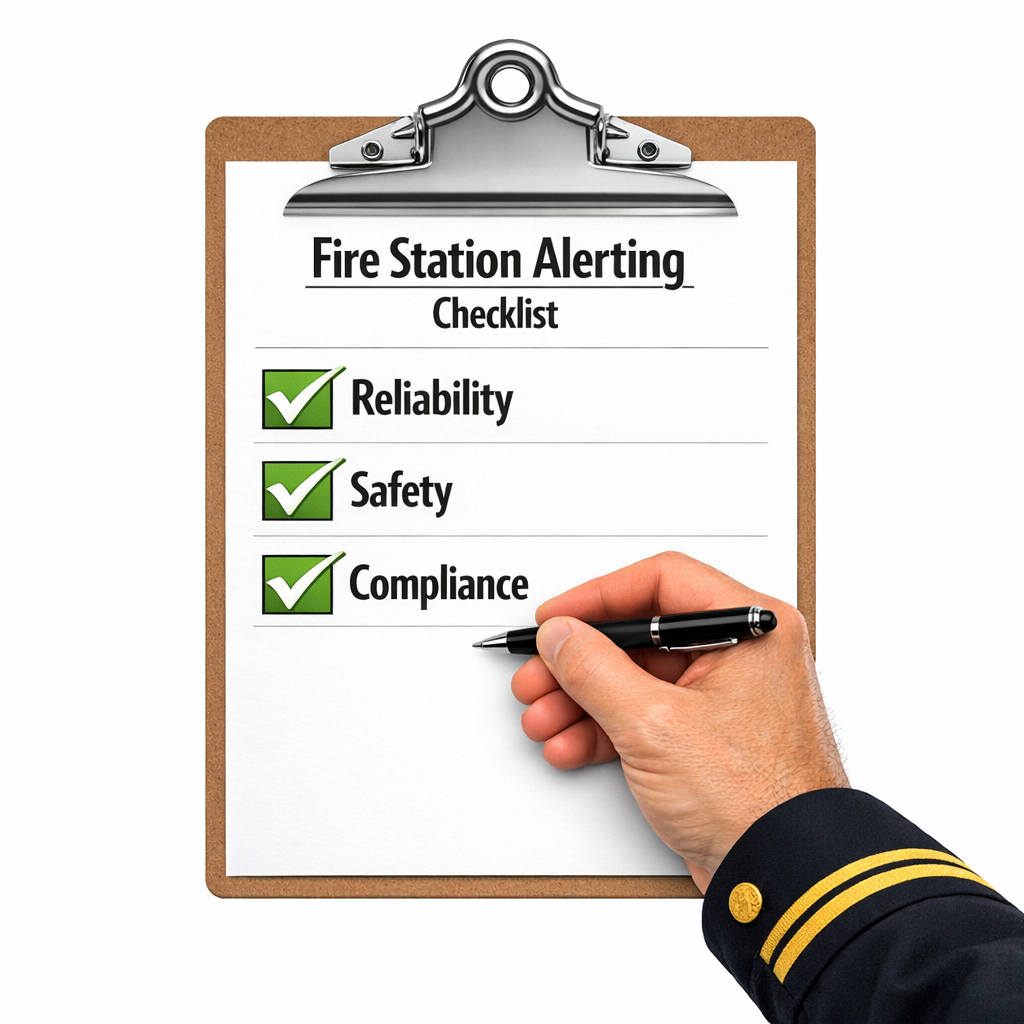
Boost Reliability, Safety, and Compliance
When a call comes in, your crews don’t need noise—they need clarity. A modern fire station alerting system (FSAS) is the connective tissue between dispatch and decisive action: targeted notifications, automation that trims seconds, and the data trail that proves your system works when it matters most. For chiefs, the mandate is simple: build an alerting environment that is reliable, selective, compliant, and continuously improving, while minimizing unnecessary stress on crews.
This guide distills the essentials—what to prioritize, how to deploy, and which practices sustain speed, safety, and accountability.
What “Good” Looks Like
A high-functioning FSAS delivers five outcomes on every incident:
- Speed with context — Instantaneous alerts carry incident type, location, hazards, assignments, and route.
- Selective alerting — Only the right people and spaces are alerted; everyone else keeps resting, training, or working.
- Automation in sync — Bay doors, appliances, and lights may be activated or deactivated based on incident type through FSAS integration.
- Resilience by design — Redundant power and multi-path communications (IP/5G/satellite/radio) make delivery dependable.
- Proof of performance — Logs verify delivery, acknowledgments, turnout times, and system health.
If any of these are missing, you could be leaving seconds—and safety—on the table.
Core Capabilities Chiefs Should Demand
1) Zoned & Selective Alerting
- Sleeping quarters: escalating tones and crew specific visual alerting
- Bays: priority tones, bright strobes, doors/lights auto-activate.
- Common areas: volume controlled audio plus visual confirmation.
- Specialty teams: unit-specific alerts and tones.
- Multi-station environments: alerts stay local to the assigned station, with broader notifications only for working incidents.
Why it matters: Enhances health and well-being, protects sleep, reduces alarm fatigue, and sharpens turnout.
2) CAD/MCT Integration
- One-time entry at dispatch; data flows to station displays and MCTs.
- Updates sync while en-route (status changes, hazards, hydrants, preplans).
Why it matters: Streamlines and improves accuracy of dispatch information, minimizing radio traffic and roll time delays
3) Custom Alert by Vehicle/Incident Type
- Structure Fire: priority tone → doors/lights → strobe → hydrants map.
- ALS/BLS Medical: unit tone → concise voice prompt → route to MDC.
- MVC w/ Entrapment: multi-company tone.
Why it matters: Consistency under stress; fewer steps to mentally prepare crews for incidents.
4) Automation Hooks
- Doors, lighting scenes, appliances, and even signage triggered by templates, and traffic lights outside the station.
- Logged for audits and after-action reviews.
Why it matters: Saves seconds and cognitive load; improves safety.
5) Redundancy & Equipment Health Monitoring
- UPS + generator for controllers/switches/endpoints.
- Radio/IP/cellular with automatic failover.
- Heartbeats, device status, and delivery/acknowledgement telemetry; alerts for degraded states, with both local and centralized reporting.
Why it matters: Reliability isn’t an accident—it’s engineered.
Building for Compliance (and Making Audits Easier)
Compliance shouldn’t be a scramble. A modern FSAS makes it routine:
- Tamper-proof logging of alert creation, routing, delivery, acknowledgments, automation actions, and operator changes.
- Operational visibility for system status, alert delivery performance, and device health can be monitored to support ongoing evaluation and improvement.
- Change control for tones, zones, templates, and permissions, with time-stamped records.
- Drill evidence (weekly signal checks, monthly failover, quarterly end-to-end tests).
If your system can’t produce the paper trail in minutes, it will cost you hours later.
Strategies that Boost Response Time (Without Burning Out Crews)
- Tone discipline: A small, consistent palette. Priority is unmistakable; routine is calm.
- Night profiles: Hard caps on dorm volume; no house-wide wake-ups for single-unit alerts.
- Route-ready displays: Map layers, hydrants, notes at the exit points—no hunting.
- One-touch acknowledgments: Optional tap/press confirms receipt of the alert along the path to the vehicle.
- Frictionless updates: Vehicle status updates through CAD automatically propagate to the CDT in the station.
These are low-drama, high-impact changes that add up to minutes saved each shift and better sleep between them.
The Data That Matters (and What to Do With It)
Track a tight set of metrics and actually use them:
- Alert-to-turnout time (by call type, station, shift).
- Delivery/ACK success ensures that responding crew members have received the alert and are on their way to their rig.
- Missed/late alerts with root cause and a fix date.
- Sleep disruption (overnight alerts to non-assigned personnel).
- Automation success rate (doors/lights/appliances).
- Update latency (CAD change → station/CDT display).
Monthly reviews should produce one or two tweaks, not a 40-item wish list. Improve relentlessly, not endlessly.
Implementation Roadmap: A Chief’s Practical Plan
Phase 1 — Assess (2–3 weeks)
- Map pain points: over-alerting, manual steps, dead zones, audit gaps.
- Inventory power, comms paths, devices, and displays.
- Choose 2–3 call templates to standardize first.
Phase 2 — Pilot (4–6 weeks)
- One station/shift; implement Dorm vs. Bay zoning and a minimal tone set.
- Stand up two templates (e.g. Traffic Collision, Medical Emergency) with automation.
- Train in short, hands-on blocks; post one-page quick guides.
Mid-rollout reality check: many departments lean on providers like RadioMobile for CAD-aware templates, selective alerting, and built-in redundancy—useful if you want to phase in capabilities without ripping out legacy assets on day one.
Phase 3 — Measure & Tune (2–3 weeks)
- Compare alert-to-turnout before/after; check delivery/ack; gather crew feedback.
- Adjust volumes, scripts, visuals, and automation timings.
Phase 4 — Scale (ongoing)
- Add MVC, HazMat, brush/wildland; extend to specialty teams and stations.
- Identify enhancements for health and well-being.
Phase 5 — Sustain (always)
- Weekly signal checks; monthly failover; quarterly end-to-end system tests.
- Annual template refresh; policy alignment; permissions review.
Safety First: Human-Centered Alerting
- Protect sleep: Night profiles and selective alerting aren’t luxuries—they’re risk controls.
- Reduce cognitive load: Clear voice, concise scripts, consistent visuals.
- Train for the real thing: Drills with the actual tones, voices, displays, and automated sequences.
- Close the loop: After-action reviews should evaluate the alert chain, not just fireground tactics.
A calmer station produces a faster, safer, and more efficient response.
Multi-Agency and Multi-Station Operations
Large incidents demand a common operating picture:
- Interoperable cues: Shared tone meanings and message formatting.
- Roll-up logic: Local alerts escalate to additional stations only for defined triggers.
- Synced data: Preplans, hydrants, and hazards visible for all responding units.
- Mutual-aid templates: Prebuilt dispatch/alert sequences for cross-jurisdiction runs.
The goal is fewer coordination calls, more coordinated action.
Future-Ready (Without the Buzzwords)
Yes, AI, IoT, and cloud can help—if they solve real problems:
- Predictive readiness: Spot patterns (false alarm clusters, device failures, time-of-day slowdowns) and fix them.
- Always-on infrastructure: Cloud components that keep alerting available during local equipment issues.
- Targeted mobile delivery: Secure push for commanders and specialty teams—useful, not duplicative.
Adopt what makes you faster, clearer, and more resilient—skip the rest.
Common Pitfalls to Avoid
- Over-customization: Too many tones/templates confuse crews. Keep a tight set.
- Volume arms race: Loud ≠ clear. Prioritize intelligibility and context.
- Single-path fragility: One comms route or power feed is a failure waiting to happen.
- No owner: Assign a system steward to gate changes, run tests, and track metrics.
- Change by memo: Announce, train, drill, then deploy.
Simple discipline outperforms complex intentions.
Leadership Checklist for Chiefs
- Dorms and bays use volume profiles.
- Alerts are selective; notifying only assigned units.
- CAD data automatically populates voice announcements (text-to-speech), displays, and MDCs.
- Incident templates drive tones/voice/visuals/automation.
- Doors/lights/appliances automate where appropriate.
- Redundant communications paths with documented failover testing. Backup power (UPS and generator) to maintain operation during outages.
- Dashboards for delivery, acknowledgments, turnout, and device health.
- Weekly signal checks, monthly failover, quarterly end-to-end drills.
- Immutable logs and packaged reports for compliance/audits.
- Named system steward with authority and accountability.
If several boxes are unchecked, you’ve just built your upgrade plan.
Final Word
Excellence in alerting isn’t about being the loudest—it’s about being the clearest and most dependable. When your system delivers the right message, to the right people, with the right automation and proof, your crews move faster, your risk drops, and your compliance takes care of itself. You owe it to your community to be there in the most effective manner and it starts with that first light and sound.
Adopt selectively. Standardize ruthlessly. Measure relentlessly. Improve continuously. That’s how chiefs turn alerting from background technology into a frontline advantage.